We use necessary cookies to make our website work. We’d also like to use analytics and functional cookies which help us make improvements to the website by measuring how you use it, and to enable our website to offer you additional functionality.
More information on how we use cookies can be found in our cookie policy.
Cookie Preferences
About Cookies on This Website
We use a combination of cookies to ensure our website functions properly, improve your experience, and better understand how our services are used. Some cookies are essential to run the site, while others are optional and used to enhance your visit. You can find more detailed information in our Cookies Policy.
Strictly Necessary Cookies
These cookies are essential for the core functionality of our website and cannot be turned off. They include features such as:
- Enabling page navigation and secure access to areas of the site
- Saving your cookie preferences
- Preventing fraudulent activity and safeguarding your data
Without these cookies, the website may not perform correctly.
Functional Cookies
These cookies allow the website to remember choices you make and provide enhanced, more personalized features. For example:
- Allowing you to interact with embedded content
- Providing you various web services, including ability to watch a video
These cookies help create a more seamless and customized browsing experience.
Analytics Cookies
These cookies collect information about how you use our website. They help us:
- Measure site performance, such as page load times and error rates
- Identify popular pages and content
- Improve user interface and content relevance based on usage trends
We use these insights to optimize the overall usability and effectiveness of the site.
Marketing Cookies
Marketing cookies track your browsing habits to help us build a profile of your interests. This enables us to:
- Deliver personalized ads and promotional messages
- Provide content recommendations tailored to your preferences
- Measure the effectiveness of marketing campaigns across different platforms and devices
- Enhance our understanding of audiences and improve our products and services accordingly
Your Intelligent Assistant for Teaching and Learning
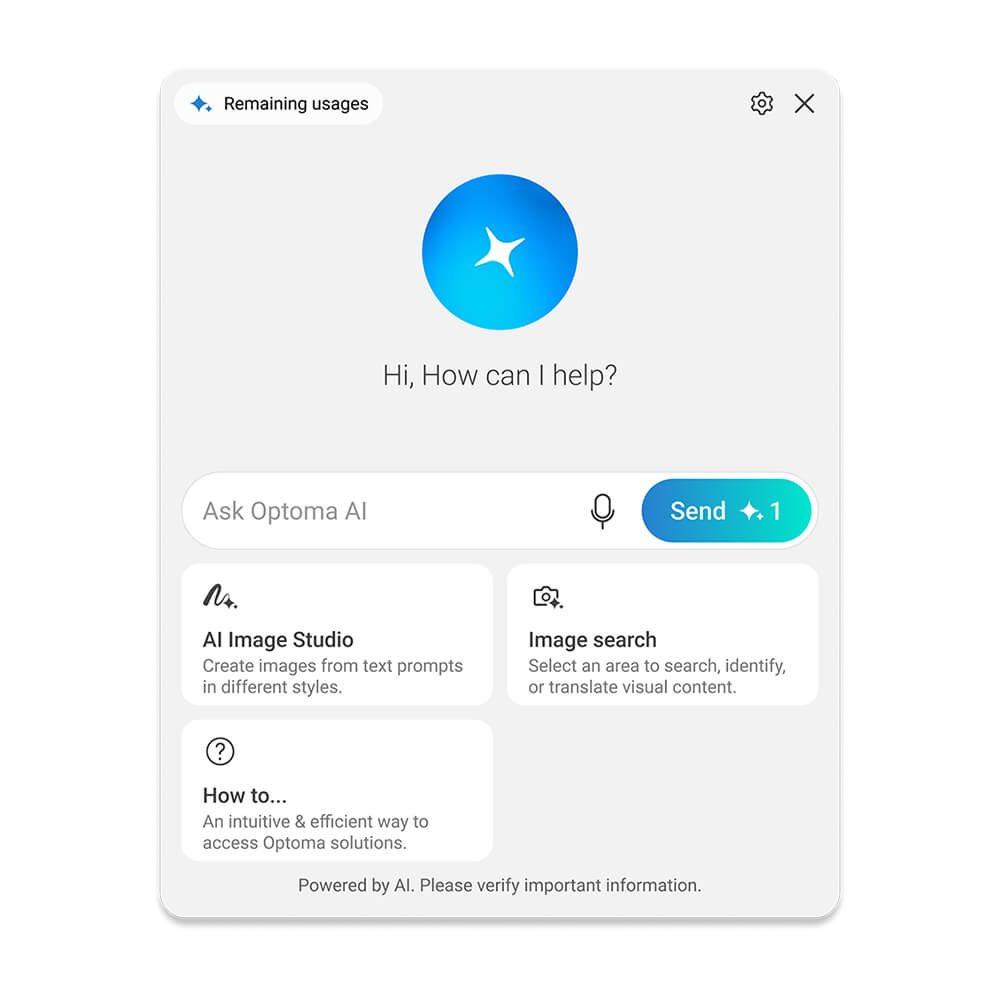
Optoma AI is an intelligent assistant for teaching and learning, built into supported Optoma Interactive Flat Panels to help answer questions, spark curiosity, bring ideas to life, and make every lesson more engaging.
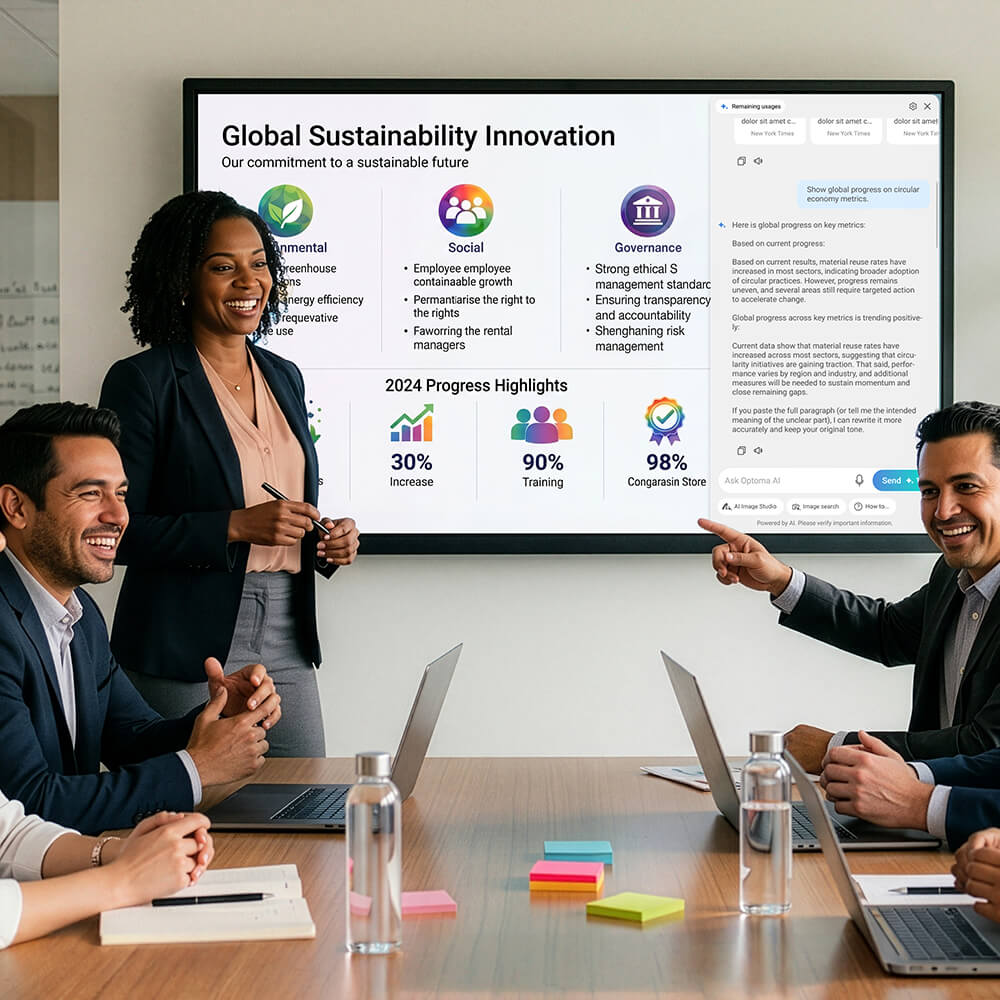
Get answers in the moment with Ask AI
Bring ideas to life visually with AI Image Studio
Explore and understand content with Image Search
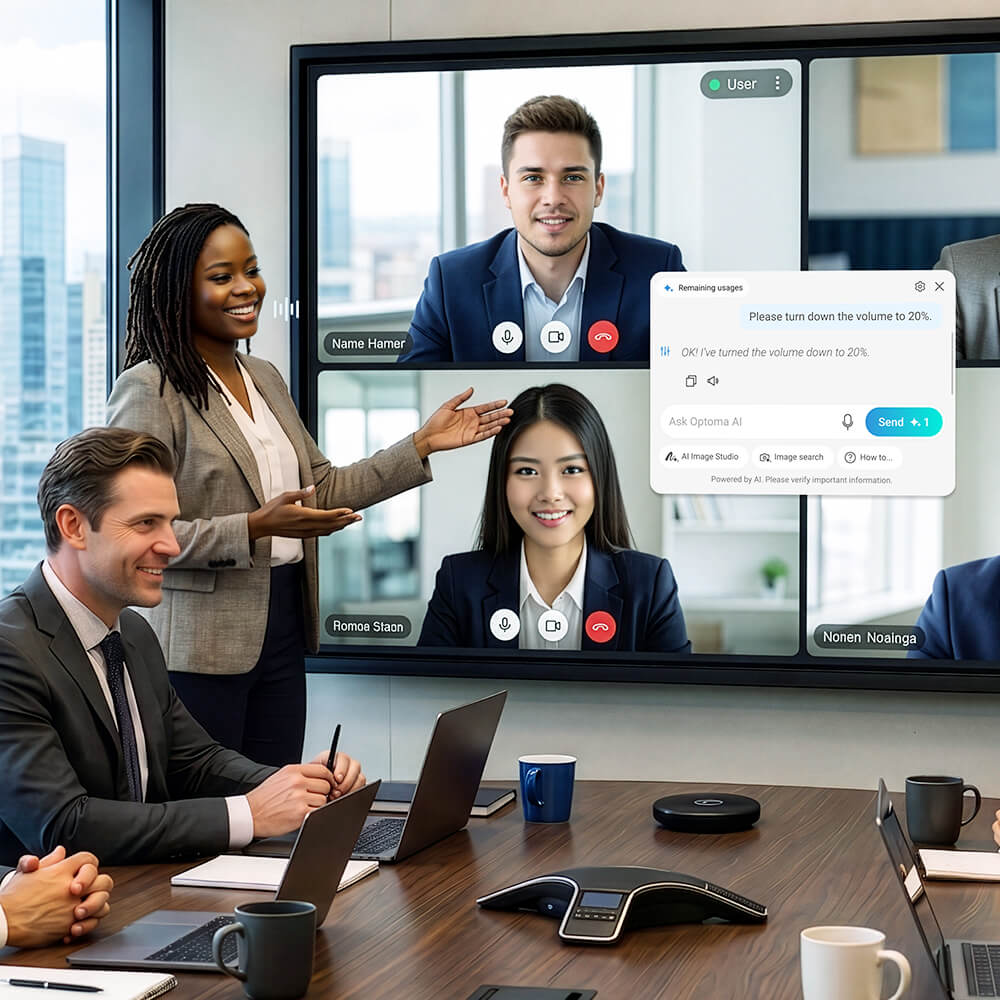
Stay focused with hands-free control using Voice Command
Built Directly Into Your Optoma Interactive Display
From answering questions and creating visuals to exploring content, controlling the display, and getting help with IFP (interactive flat panel) features, Optoma AI brings intelligent support into one seamless on-screen experience. *Optoma AI is available on supported models. Availability may vary by model and region.
Built In, Ready to Use
No additional software or setup required.
Everything in One Place
Ask questions, create visuals, explore content, and access support without switching tools.
Simple and Intuitive
Use voice, touch, or pen to interact naturally.
Made for Education
Designed to support engaging teaching and meaningful learning experiences.
Ask Questions. Keep the Lesson Moving.
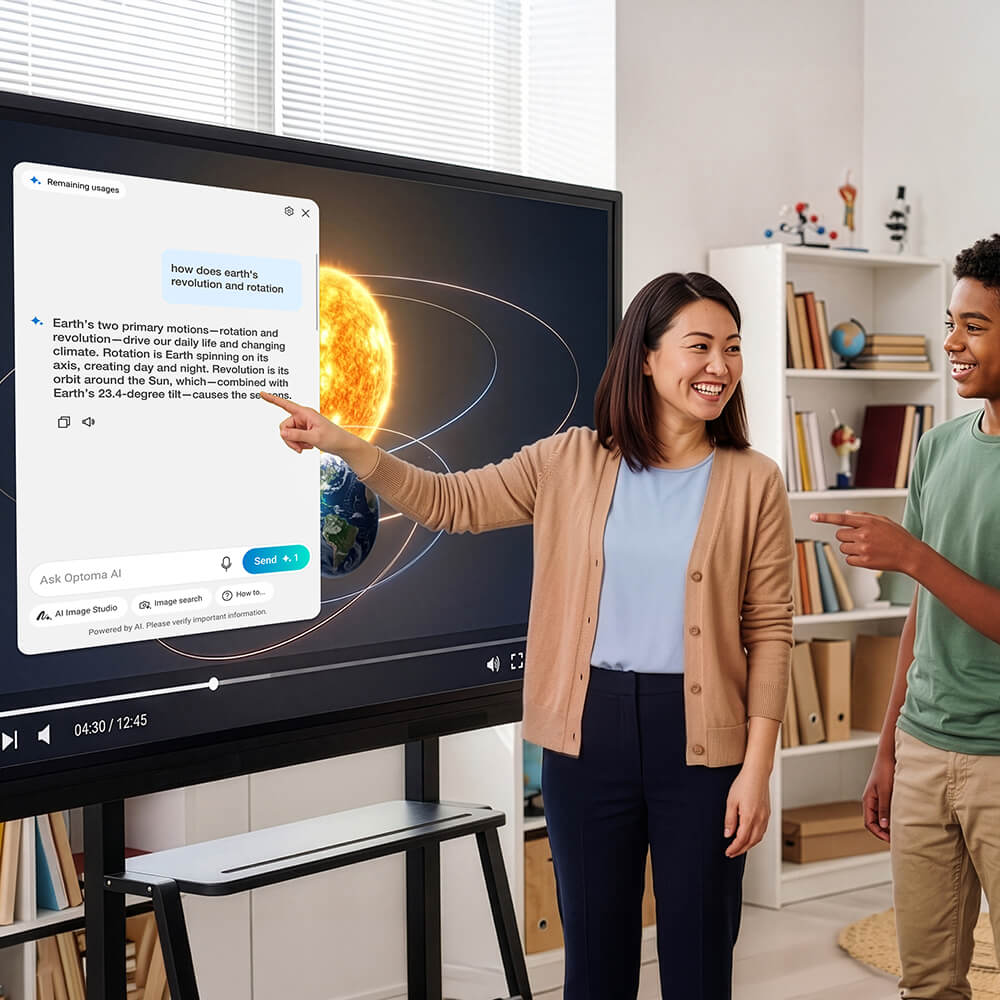
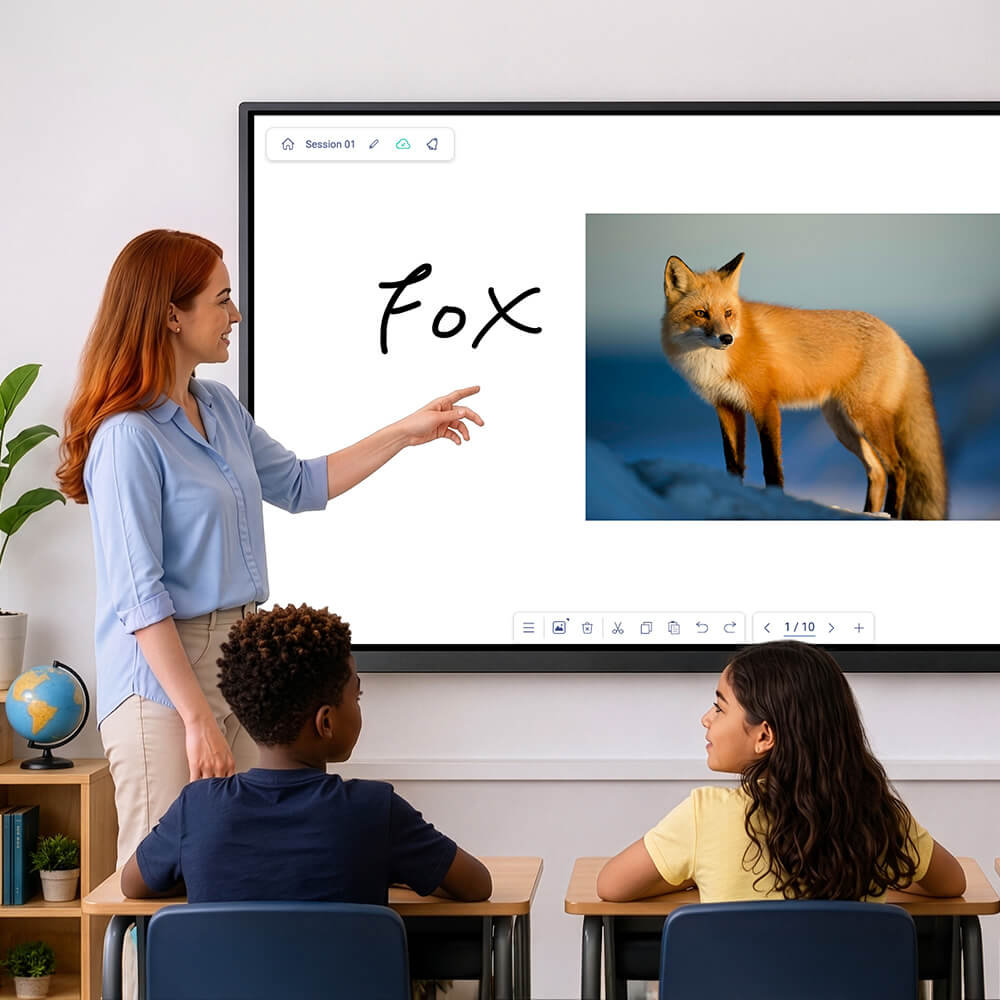
When questions arise, answers are right within reach. Use voice or text to get clear, structured answers instantly — perfect for explaining concepts, sparking discussion, or supporting questions in real time. You can read it, listen to it, or copy it to use in your lesson or presentation. No browser or extra apps required.
More Ways to Explore, Create, and Learn
Get answers, generate realistic, cartoon, or 3D visuals from a simple description, and explore on-screen content—all with AI tools that make teaching more intuitive and learning more dynamic.
Explore, Understand, and Engage with Visual Content
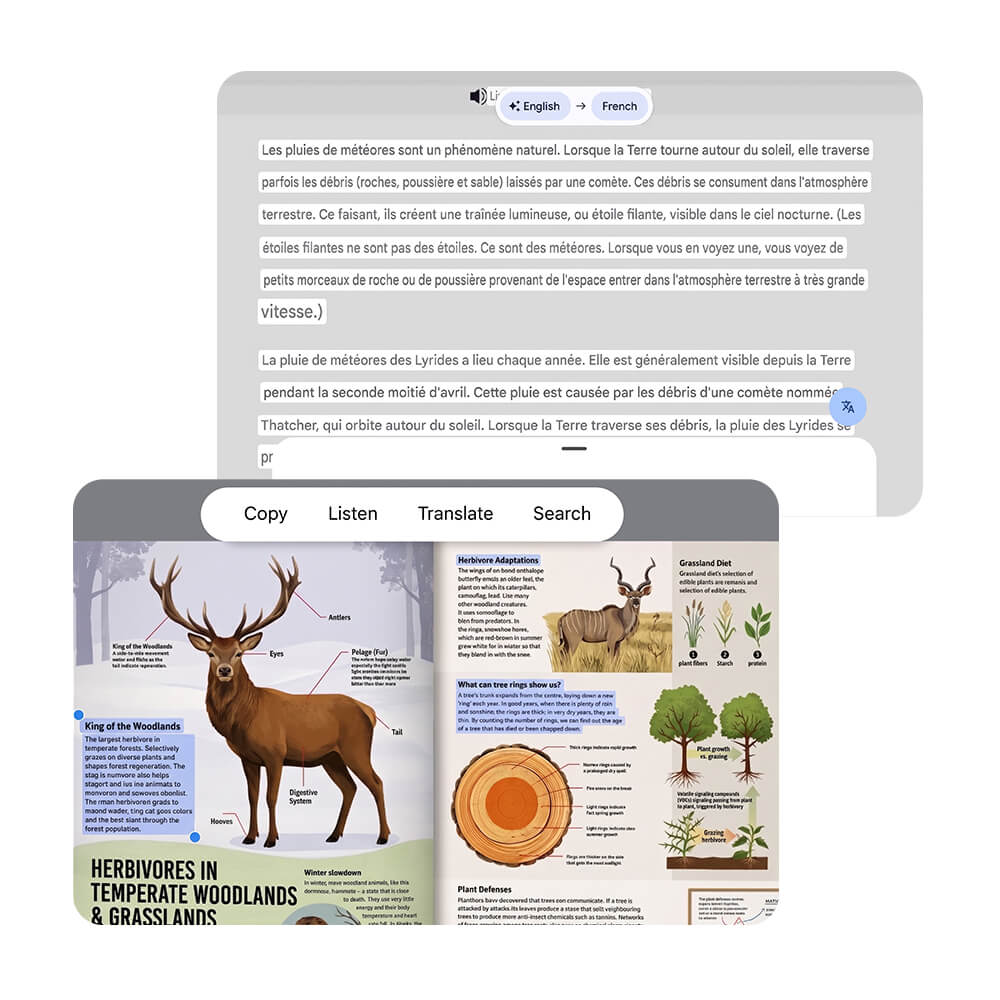
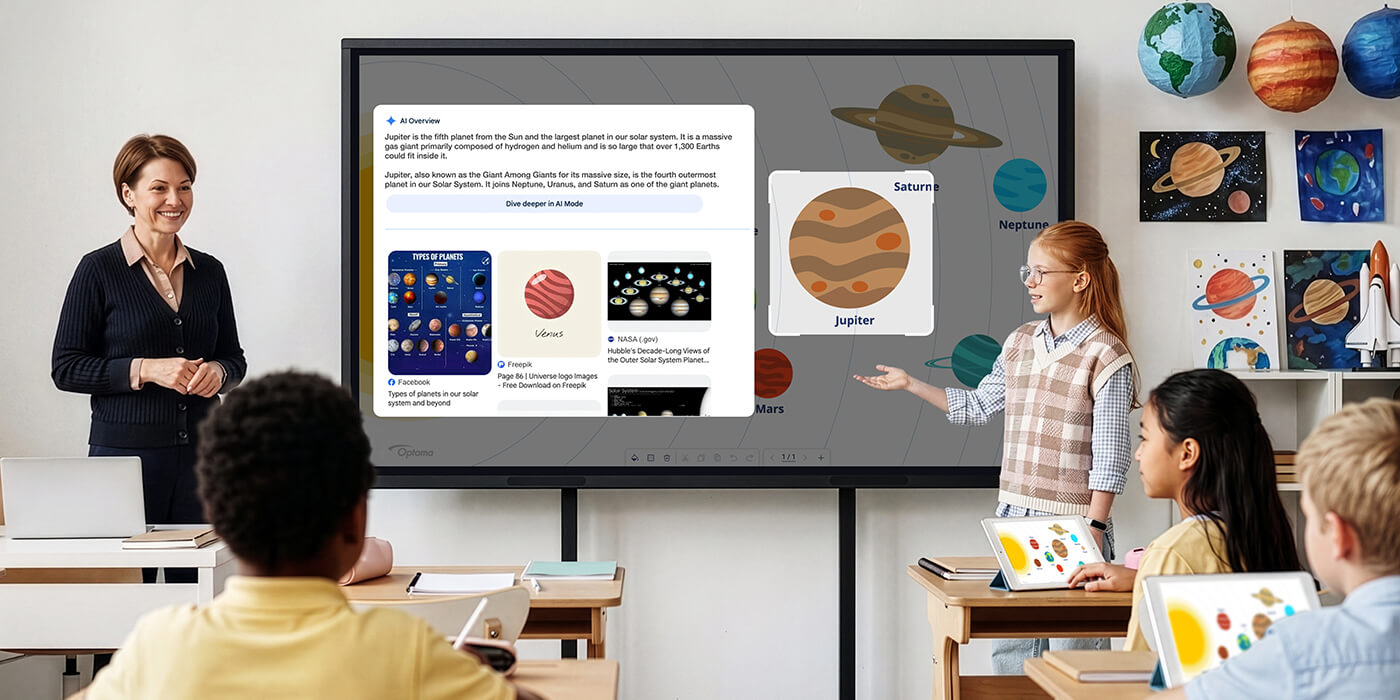
Select on-screen content to identify objects, extract text, translate information, or discover related visuals — all without leaving your lesson. Powered by Google Lens.
Discover More from What You See
Select any object on screen and instantly uncover explanations, related information, and new learning opportunities—keeping exploration and discussion flowing naturally.
Capture Text from Visual Content
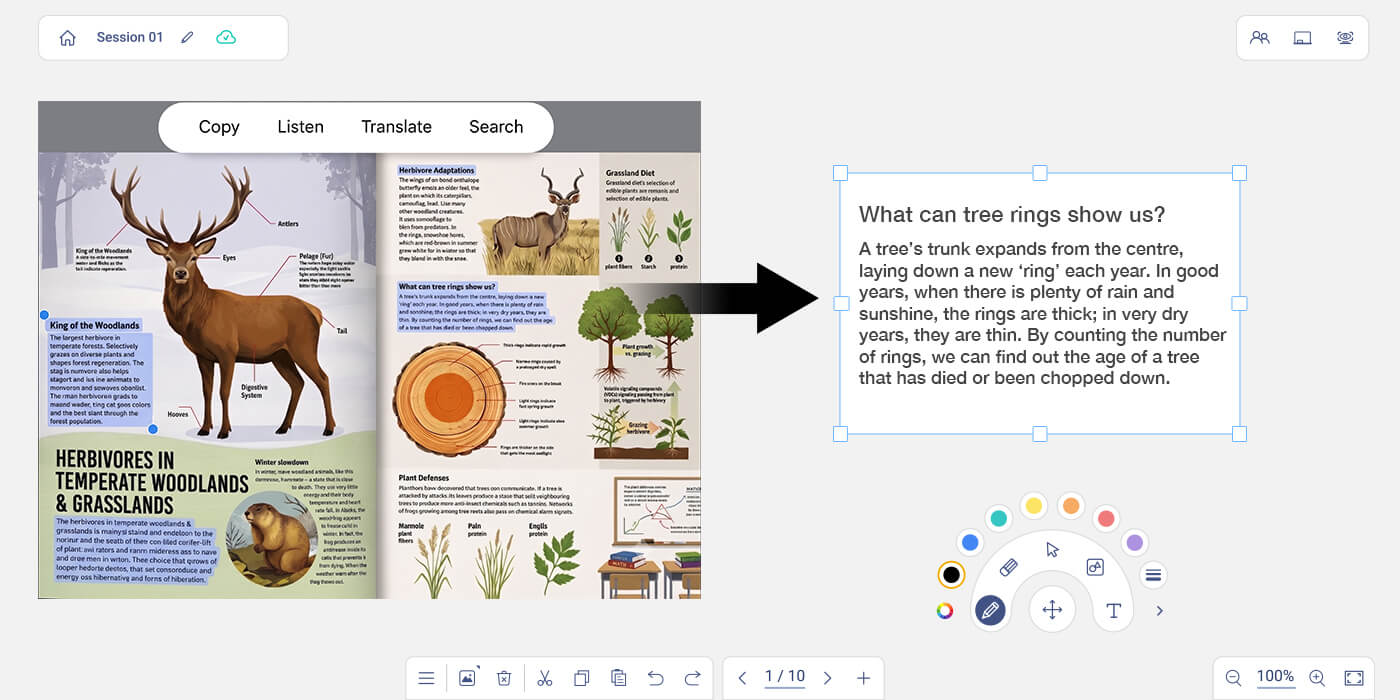
Extract text from worksheets, posters, books, and images in seconds, then insert it directly into Optoma Whiteboard for annotation, discussion, and collaborative learning.
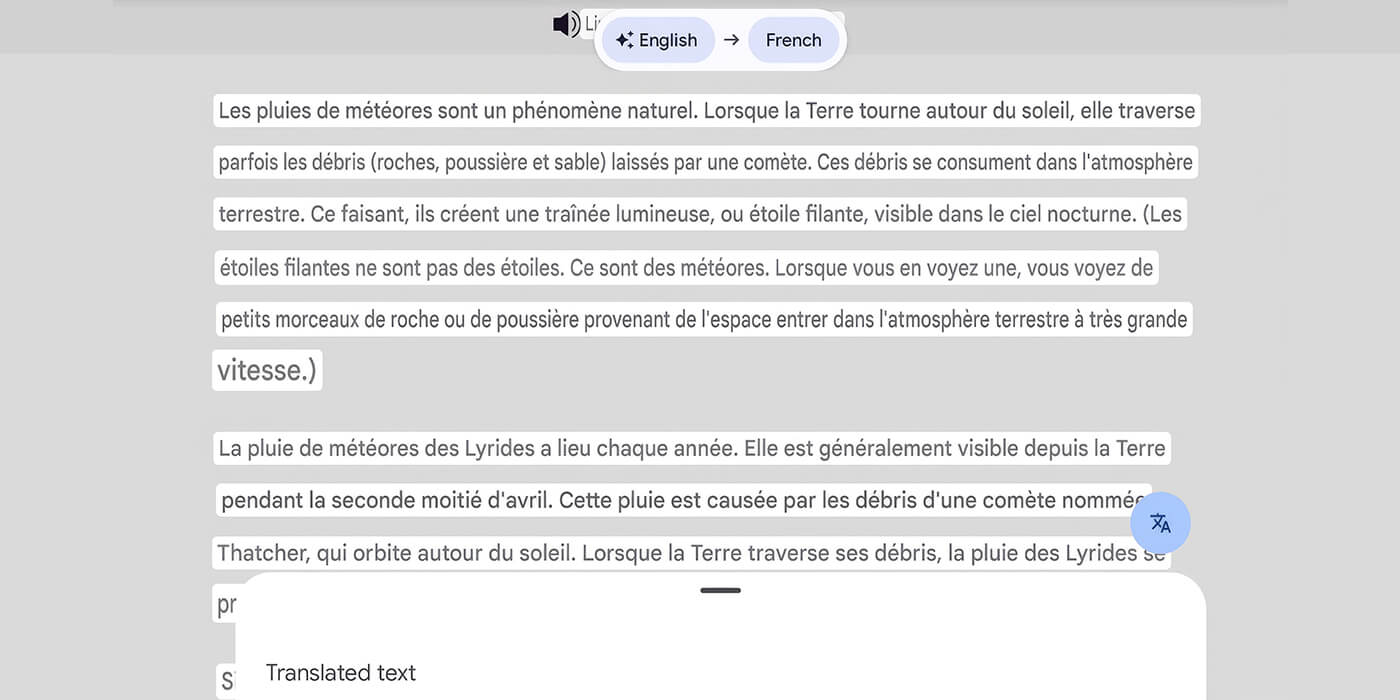
Learning Without Language Limits
Break language barriers instantly by translating content on screen, helping every learner access information with confidence.
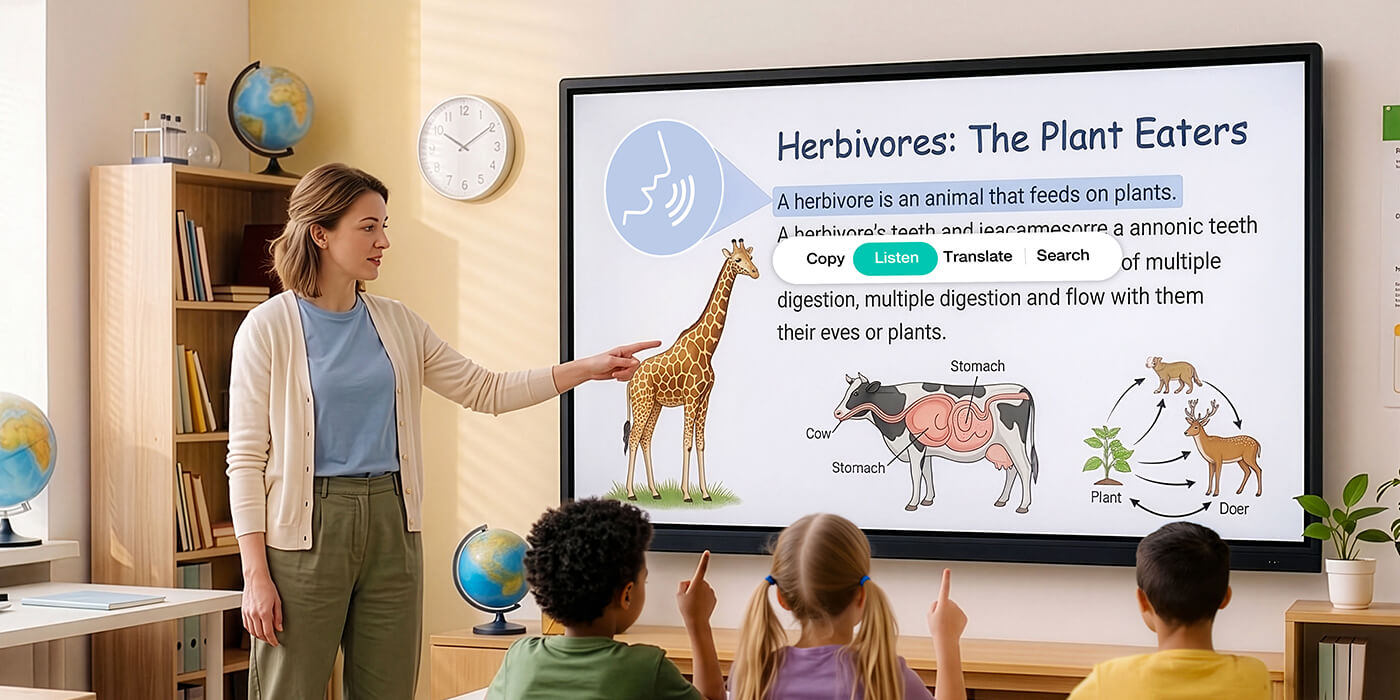
Bring Written Content to Life
Convert text into clear spoken audio to support diverse learning styles, improve accessibility, and help students absorb information more effectively.
Stay Focused with Hands-Free Control
Use voice commands to adjust volume, switch inputs, change display settings, and perform common actions instantly. Optoma AI recognizes both questions and commands, helping you stay focused on teaching and learning.
Skip the Manuals. Get Answers Instantly.
Ask how to use Optoma interactive display features and receive clear, step-by-step instructions with visual illustrations directly on screen. Learn features faster and get the help you need without searching through manuals.
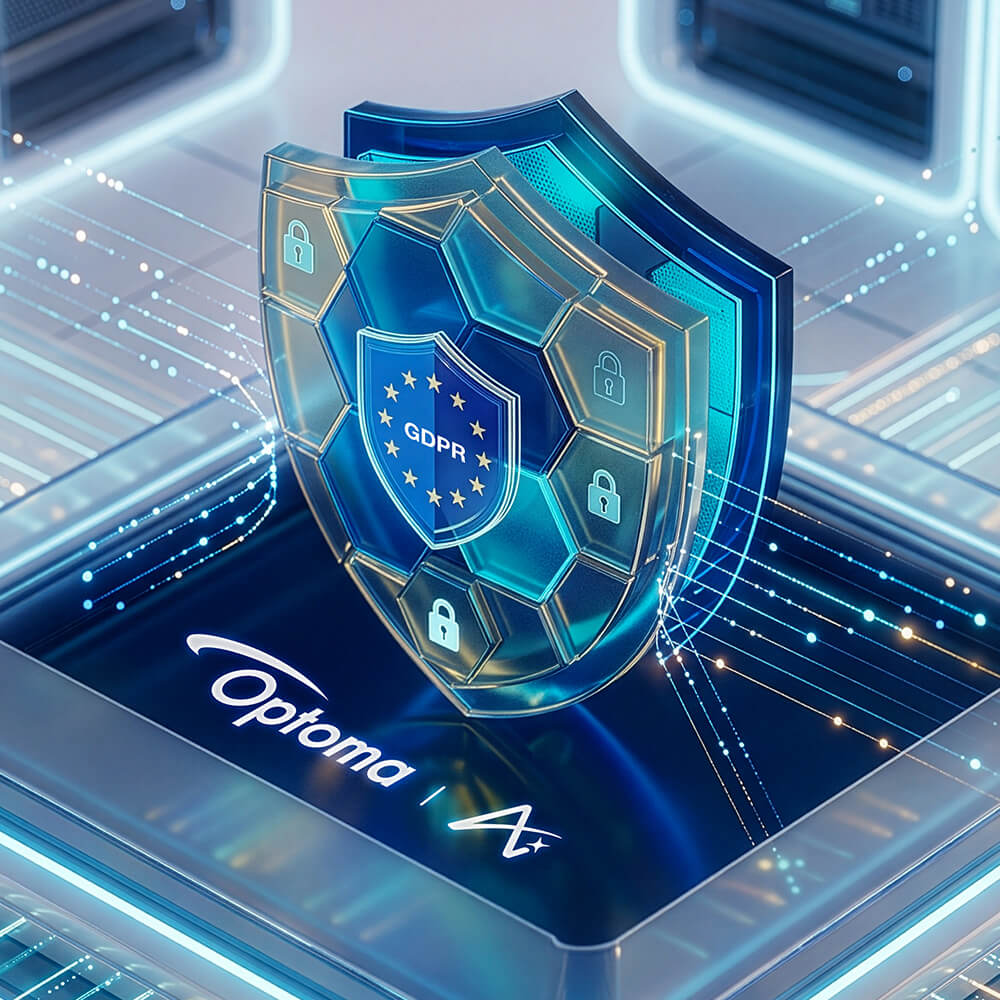
Privacy First, Always
Optoma AI is designed with privacy and security in mind, with data handling practices aligned with GDPR and other applicable privacy regulations.
YOU ARE ABOUT TO EXIT bd.optoma.com FOR OUR REGION-SPECIFIC WEBSITE THAT IS INTENDED FOR THE RESIDENTS OF A PARTICULAR COUNTRY OR REGION.
Please be aware that the region-specific website you have requested has unique or additional terms, privacy policies, cookie policies and/or consent forms. If you do not fully understand or agree to the terms, privacy policies, cookie policies, and other relevant information of that website, you should immediately stop accessing, visiting or otherwise using that website.